
Create Your First Listing
Follow each step to design a beautiful, on-brand listing.
Add the property
Start a new listing from your dashboard and enter the address, price, and core details — beds, baths, square footage. These fields feed every template automatically.
Upload your photos
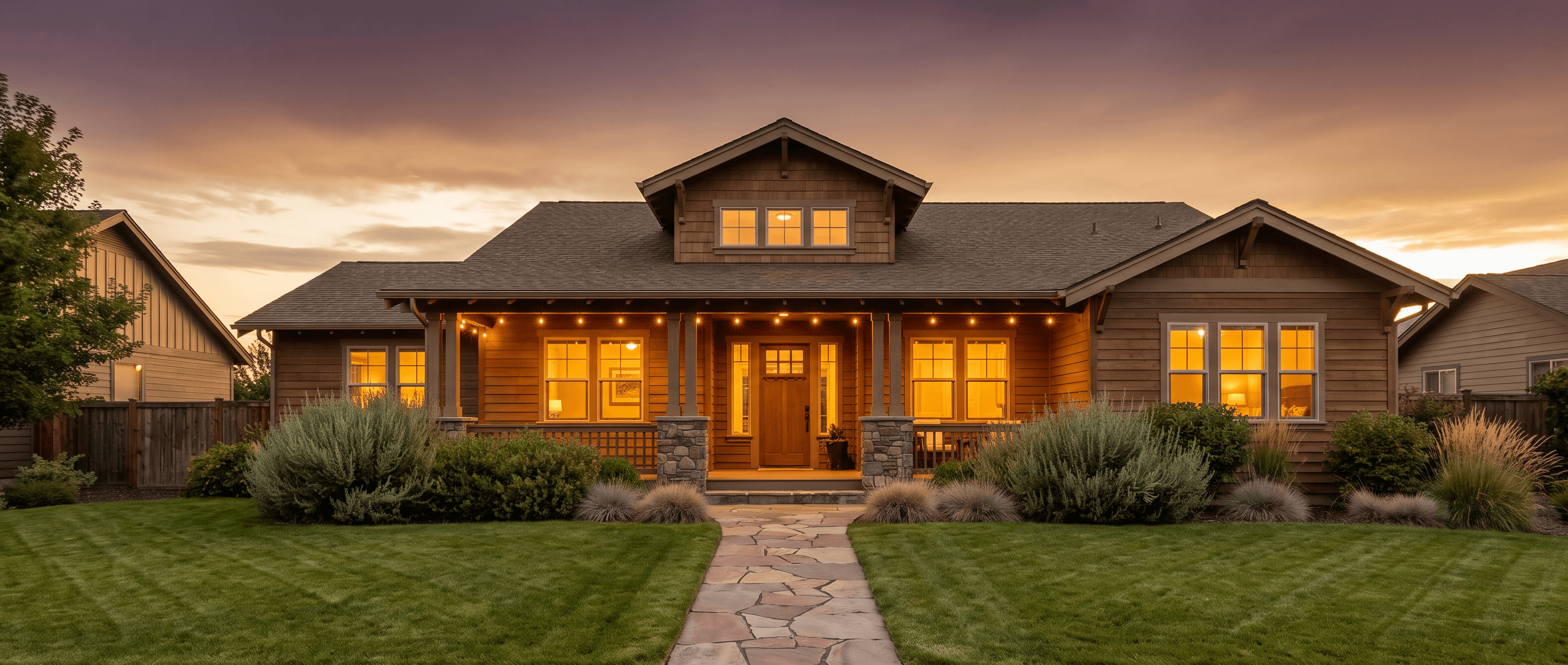
Add your best photos and set the order — the first photo becomes the hero image on most templates, so lead with your strongest shot.
Pick a template
Browse the template library and choose a layout for the moment — "Just Listed," open house, or a general showcase. Your brand kit applies to whichever you pick.
Personalize the copy
Edit the headline and description, or let Curblist’s AI draft a first pass for you — see Using AI to Generate Listing Content.
Export and share
Download print-ready files or share directly to social from the export screen — see Share & Market Your Listing for what to do next.
Lead with your strongest photo — it becomes the hero image on most templates, and it’s the first thing anyone sees.
Still need help?We’re here for you.
Can’t find what you’re looking for? Our Help Center has more answers or reach out to our support team.